Skip to content
CompLeadly
CompLeadly

Server

Display server on tablet/iPad/smartphone in full screen

Author: CompLeadly TeamLast updated on 1 min read


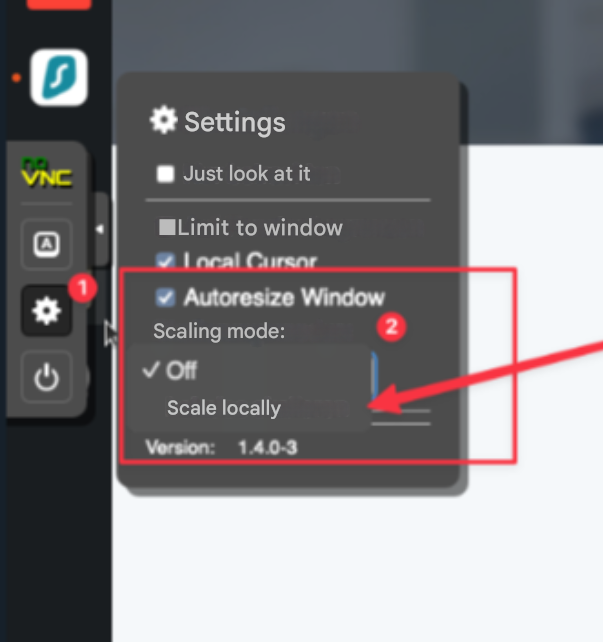
If you rotate your device, you may need to set the scaling mode to “off” and then back to “scale”.
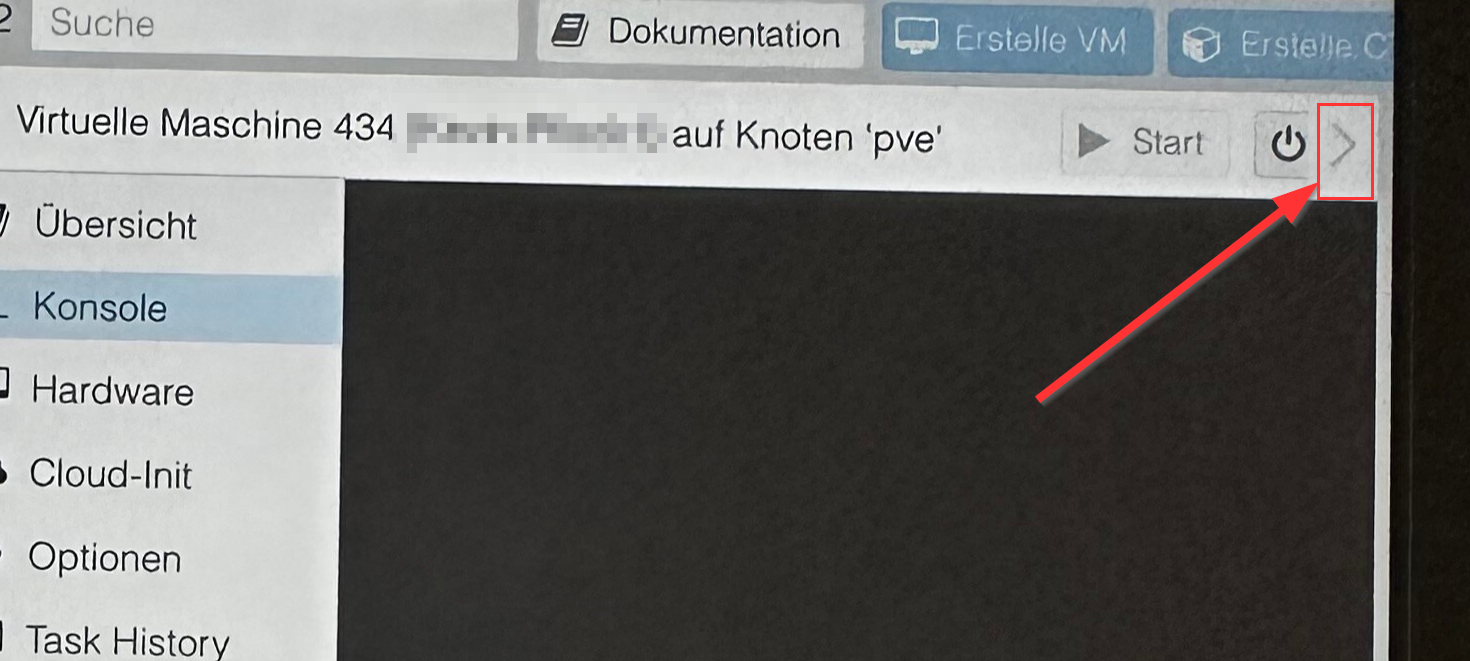
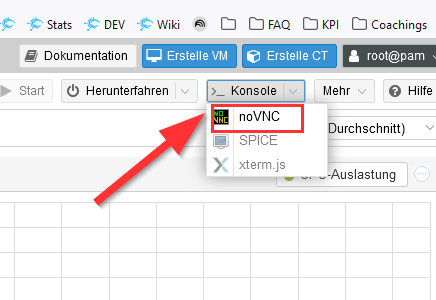
 

Server auf dem Tablet / iPad / Smartphone im Full Screen anzeigen #Vollbild
Display server on tablet/iPad/smartphone in full screen #fullscreen
Server auf dem Tablet / iPad / Smartphone im Full Screen anzeigen #Vollbild
Display server on tablet/iPad/smartphone in full screen #fullscreen

Was this article helpful?

0 found this article helpful

Didn't find your answer? Get in touch

Didn't find your answer?

Our support team is happy to help you personally.

Get in touch