To avoid this, proceed as follows:
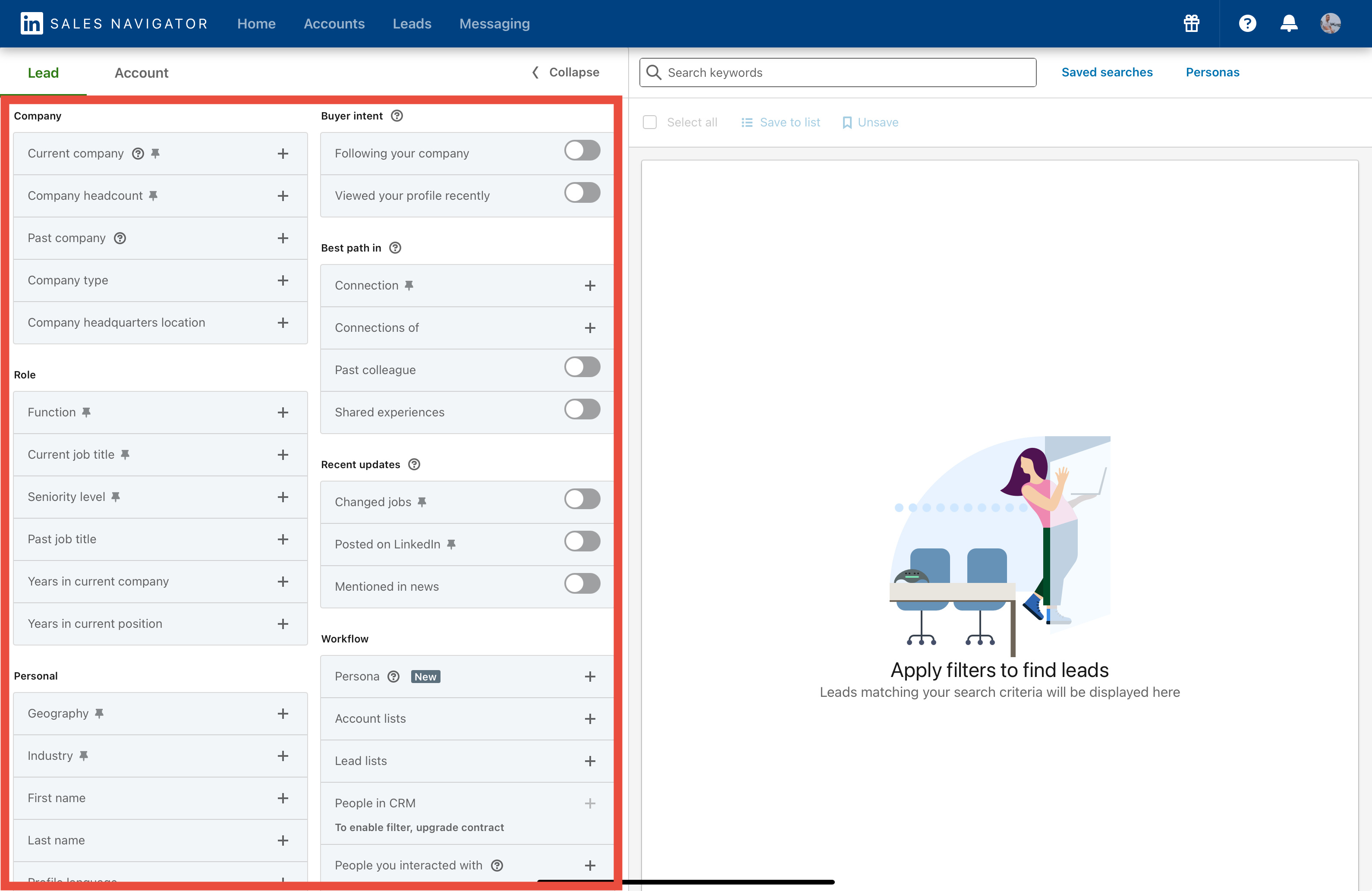
- Open your saved lead search in the Sales Navigator.
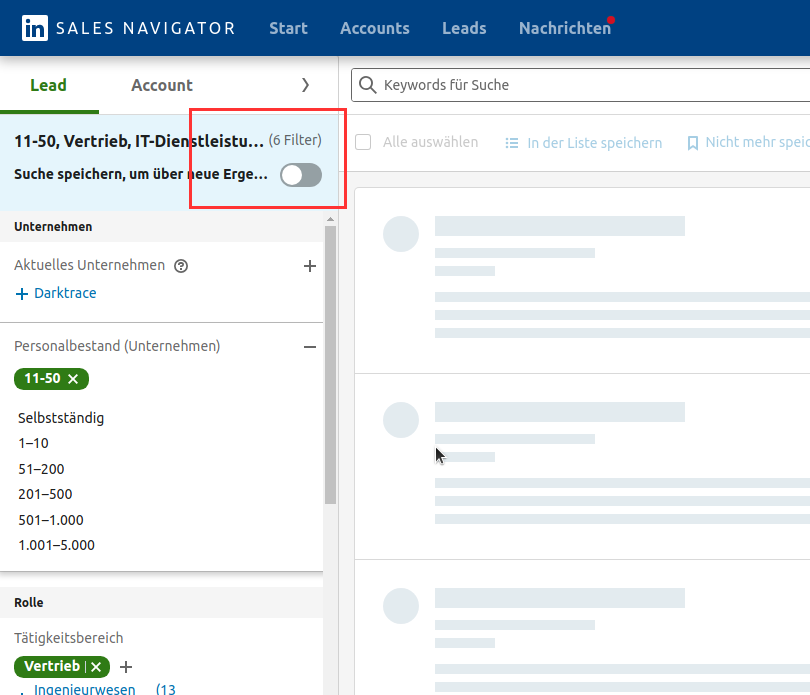
- Remove any filter on the left side (one is sufficent)
- Saving in the Sales Navigator must be disabled (if the option is available).
- Add the removed filter again. This procedure changes the link of the search and makes it easier to understand.
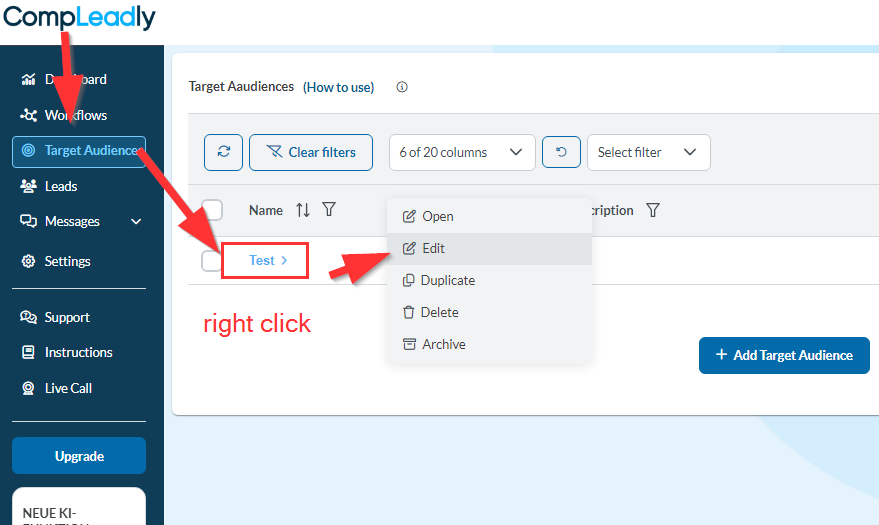
- Copy the link into CompLeadly as shown in the screenshot below.