

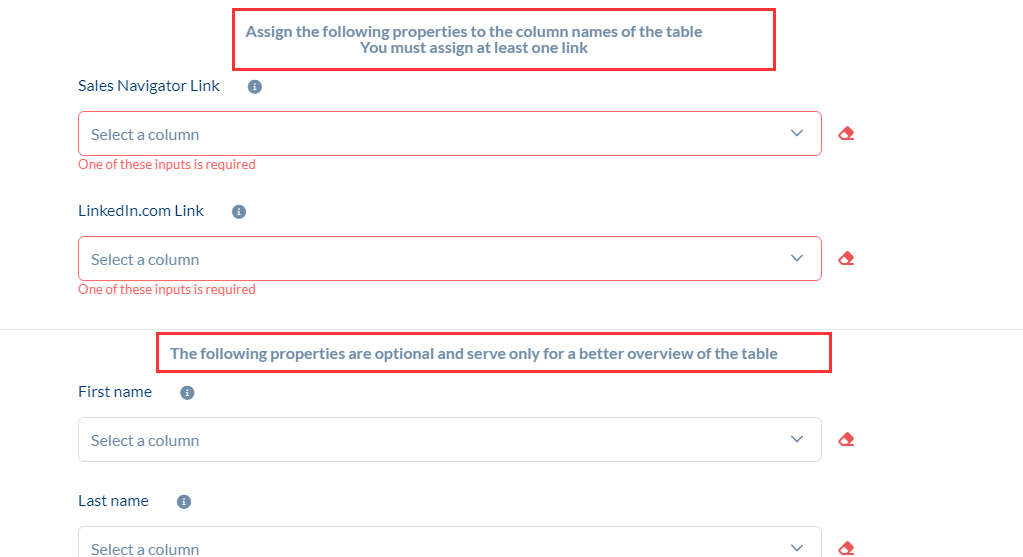
See the screenshot below.
You will then select the corresponding columns when importing the Excel table.
The rest is optional.
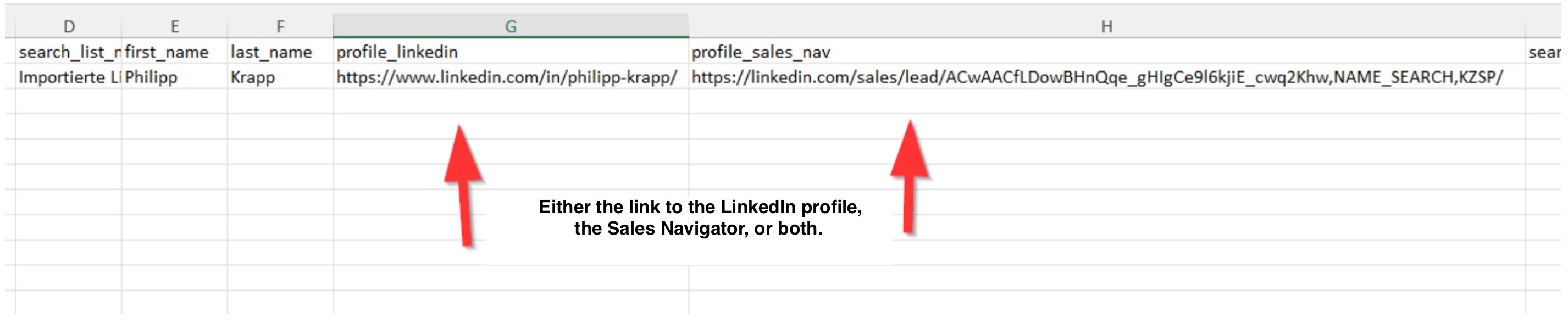
Here’s how it might look in Excel, for example.
Frequently Asked Questions (FAQ)
Author: CompLeadly TeamLast updated on 1 min read
See the screenshot below.
You will then select the corresponding columns when importing the Excel table.
The rest is optional.
Here’s how it might look in Excel, for example.
Was this article helpful?
0 found this article helpful
Didn't find your answer? Get in touch
Our support team is happy to help you personally.